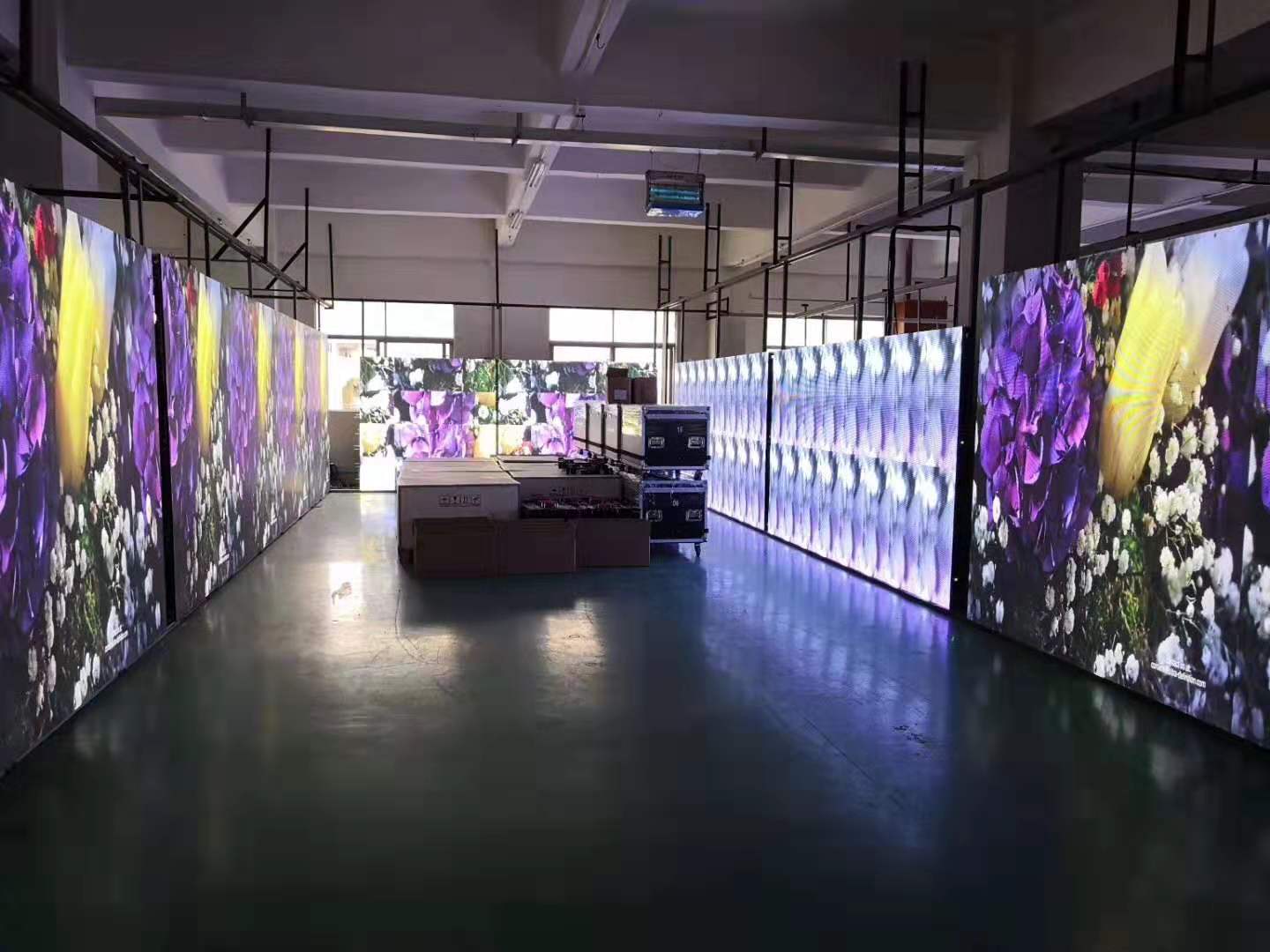
1. Synchronous LED control card:
Mainly used for real-time display of video, graphics, notifications, etc. Mainly used for indoor or outdoor full-color large-screen displays. The working mode of the synchronous LED control card system to control the LED display is basically the same as that of the computer monitor. It maps the image on the computer monitor in real time with an update rate of at least 60 frames/sec. It usually has the ability to display multi-gray colors. , Can achieve the effect of multimedia advertising. Its main features are: real-time, rich expressiveness, complicated operation, and high price. A set of synchronous LED display control card system generally consists of sending card, receiving card, and DVI graphics card.
2. Asynchronous LED control card is also called offline LED control card or offline card:
Mainly used to display a variety of text, symbols and graphics or animation. The screen display information is edited by the computer, pre-installed into the frame memory of the LED display through the RS232/485 serial port, and then displayed and played screen by screen, cyclically, the display mode is colorful and varied. Its main features are: simple operation, low price and wide range of use. Simple asynchronous LED control card can only display digital clock, text, and special characters. In addition to the functions of a simple control system, the graphic asynchronous LED control card has the biggest feature that it can control the display screen content in different areas.
With the rapid development of the LED industry, the demand for the LED display control card market is also increasing, and the wireless LED control card can well meet the needs of customers in the unified management and cluster transmission market. Such as community publicity LED screens, vehicle screens, government projects, mobile, telecommunications, and bank door head screens, batch installation, easy management, and a state of no maintenance are the best choice for users.
In order to avoid unnecessary losses when using the control card, the user should pay attention to the following items:
1. Please keep the control card working in a dry, relatively stable environment. Excessive temperature, humidity, and dusty environment are extremely unfavorable to the control card.
2. It is strictly forbidden to plug and unplug the serial port without power failure, so as not to damage the computer serial port and the control card serial port due to improper operation.
3. It is strictly forbidden to adjust the input voltage of the control card when the system is working on power, so as to avoid damage to the computer serial port and the control card serial port due to improper adjustment or excessive voltage. The normal working voltage of the control card is 5V. When adjusting the power supply voltage, you should remove the control card and use a multimeter to measure and adjust slowly.
4. It is strictly forbidden to short-circuit the ground terminal of the control card with the display frame, otherwise once static electricity accumulates on the display frame, it will easily damage the serial port of the computer and the serial port of the control card, causing communication instability, and burning the control card and the screen when the static electricity is serious. On the display unit. Therefore, when the outdoor screen or the communication distance is long, it is recommended that the user must use a serial isolator to avoid damage to the computer serial port and the control card serial port due to harsh environments such as ground loops, surges, induced lightning strikes, and hot plugging.
5. The correct connection between the control card and the computer serial port must be ensured to avoid damage to the control card serial port and the computer serial port due to incorrect input signals.
6. Do not connect the control card to the unit board. Directly lead to the switching power supply as much as possible, the voltage of the unit board is extremely unstable during the working process. It will cause the control card to be fast and slow, severely unable to communicate or the program runs out and needs to be repaired, especially the U disk control card, in the case of unstable voltage, it may not be able to read the disk or read the disk error.
7. Indoors, 16-scan unit boards should not be connected to the whole screen for debugging. Many indoor single-color or double-color, or even full-color, and directly connected to the control card to power on without debugging, may burn out the 4953 chip of the line scan driver behind the unit board in a large area . For debugging, please connect only one unit board for debugging, unplug the power after debugging, and then connect the control card.